

“10,000 games included.” “50,000 retro classics.” “100,000+ games.” The number grows from one marketplace listing to the next, turning a small handheld or television box into what appears to be an entire museum of gaming. It is an effective promise because it converts a complicated product into one effortless comparison: whichever console includes the most games must offer the best value.
Except the comparison is usually meaningless. There is no industry-standard definition of an “included game”, no guarantee that the figure represents unique titles and no assurance that every menu entry has been tested. One seller may count a Japanese release, European release and revision as three games. Another may include hacks, prototypes, arcade clones and files the device cannot run properly. A third may simply repeat a number supplied by the memory-card vendor.
This does not make emulation the problem. A well-configured handheld can be one of the most convenient ways to enjoy older games, and a large collection can be organised responsibly. Nor does every high number prove deliberate deception. The problem is that an unexplained total tells you almost nothing about the device, the quality of its setup or the legal status of its content.
A useful listing should answer better questions. Are the entries unique? Which systems have actually been tested? Are arcade clones filtered? Is the storage reliable? Do saves and controls work? Where did the games come from, and does the seller have permission to distribute them? Those answers reveal value. A row of zeroes does not.
The short verdict: treat a huge game count as an unverified marketing claim until the seller defines how it was calculated. A curated collection of hundreds of games can offer far more variety and enjoyment than a poorly prepared card containing tens of thousands of entries.
Judge the hardware, software configuration, storage, support and content rights separately. “Games included” is not a substitute for any of them.
What The Number Does—and Does Not—Tell You
| The Claim | What It Might Mean | What It Does Not Prove |
|---|---|---|
| “10,000 games” | 10,000 files, archives or menu entries, possibly including regional versions, revisions and duplicates. | 10,000 unique commercial titles. |
| “Supports 30 systems” | The interface contains folders or emulator cores for 30 platforms. | Every platform runs accurately or at full speed on that hardware. |
| “Ready to play” | The controls and interface may already be configured. | Every game is licensed, working, correctly named or legally distributable. |
| “256 GB card” | The card reports a nominal capacity of 256 GB. | The storage is genuine, fast, durable or filled with useful content. |
| “All classics included” | A broad and emotionally appealing description. | Any particular title is present, authorised or compatible. |
The count is not useless if it is defined. A seller could publish the number of unique titles, explain how regions and revisions are handled and provide a searchable list. Most high-count advertisements do not. They place the largest figure in the title and leave the customer to assume the rest.
That matters in the UK because product descriptions and promotional claims should not mislead consumers or omit information that would affect a purchasing decision. It also matters at a simpler level: if the headline metric cannot be reproduced, it is a poor basis for comparing two devices.
How One Game Becomes Many Entries
A ROM collection is usually organised around releases and dumps, not an abstract list of unique games. That distinction is valuable for preservation. Different regions may change language, censorship, timing or difficulty. A later revision may fix bugs. A prototype can document development. A fan translation may make a previously inaccessible role-playing game playable in English. Preserving those differences is worthwhile.
They should not silently become separate “classics” in a customer-facing total. One title can appear as a USA release, a European PAL version, a Japanese version, revision 1, a beta, a trainer, a fan translation and several gameplay hacks. Eight files are not necessarily eight different games, even though all eight may have a reason to exist in an archival collection.
Disc-based systems add another trap. A single game may use a cue sheet plus several data and audio tracks. Counting the files inside that disc image rather than the game itself can multiply the total without creating another playable entry. Multi-disc games present the opposite problem: several disc images belong to one title. A meaningful count needs a declared rule.
Names can also conceal duplication. Abbreviated arcade filenames, inconsistent punctuation, translated titles and alternate western names may make the same release appear unrelated. Conversely, two games with similar names may be genuinely different. Automated filename counting cannot resolve those cases reliably without a reference database and human judgement.
Preservation and presentation have different jobs. An archive may need every verified revision. A handheld menu intended for play usually needs one sensible default, with alternate regions, translations, hacks and prototypes placed in clearly labelled categories.
Why Arcade Collections Inflate So Quickly
Arcade emulation makes a simple count particularly unreliable. MAME organises software around the hardware and ROM chips needed to reproduce a machine. A parent set is the main version of a game; a clone may be a regional release, revision, licensed variant or bootleg. A BIOS set contains common start-up data used by a hardware family, while device sets provide data for components shared by multiple machines.
The files can be packaged as merged, split or non-merged sets. In a merged collection, parent and clone data may sit in one archive. A split collection keeps shared data with the parent and only the changed data in each clone. A non-merged set aims to make each game archive more self-contained. Those formats solve storage and maintenance problems; they were not designed to produce a flattering number on a shop listing.
Import a complete arcade set into a basic front end without filtering and the menu may contain alternate regions, bootlegs, test systems, mechanical machines and multiple revisions. Some clones will fail if their required parent or BIOS data is missing. Others may run but offer no benefit to an ordinary player over the preferred version.
This is why “MAME supports thousands of systems” cannot be translated directly into “thousands of arcade classics”. MAME’s purpose includes documenting and preserving machines, including obscure and imperfectly emulated hardware. A living-room collection needs a different layer of selection: working video games, sensible controls, appropriate orientation and one clearly named default version.
Emulators, ROMs & Licences Are Different Things
Discussion of preloaded handhelds often compresses three separate things into the word “emulation”. The emulator or core is software that reproduces a console’s behaviour. The ROM or disc image contains game code and assets. A BIOS or firmware image may be required to start or accurately reproduce some systems. Each can have a different developer, owner and licence.
An open-source emulator does not make commercial games open source. Likewise, buying hardware that can run ROM images does not grant permission to distribute someone else’s catalogue on a memory card. Some games are public domain, deliberately released as freeware or sold with a licence that permits use on emulators. Many commercial games remain protected by copyright.
UK law reserves copying and issuing copies of copyright works to the rights holder, subject to specific exceptions. Section 50A of the Copyright, Designs and Patents Act provides for a necessary backup copy by a lawful user of a computer program; it is not a blanket permission to download any game from the internet or sell thousands of copies to other people. Ownership of an original cartridge also does not automatically authorise a retailer to supply an additional copy.
The practical buyer question is therefore straightforward: what is being sold, and on what basis may the games be supplied? A reputable listing can distinguish the console, configuration service, open-source software, legally licensed games and any storage supplied for the customer’s own content. “Ready to play” describes convenience; it does not answer the rights question.
This is general information, not legal advice. Copyright exceptions are fact-specific. Use public-domain, open-licensed or legitimately purchased releases, and follow the licences and laws that apply to your location.
A Menu Entry Is Not Proof Of Compatibility
A game can appear neatly in a menu and still perform badly. The front end only knows that an entry exists; it does not prove that the chosen emulator core, firmware, settings and hardware can reproduce it correctly. Compatibility varies by individual game as well as by system.
Most affordable modern handhelds handle 8-bit and 16-bit consoles comfortably. Later systems are less predictable. Nintendo 64, Sega Saturn, Dreamcast, PSP and PlayStation 2 emulation can depend heavily on the device, operating system, core and game. One title may run smoothly while another on the same platform has broken graphics, audio timing problems or severe slowdown.
Arcade games introduce control requirements that a small handheld cannot always satisfy. Twin sticks, analogue triggers, spinners, trackballs, light guns, keyboards, touchscreens and portrait monitors are not interchangeable with a D-pad and four face buttons. “Boots” is not the same as “plays properly”.
A tested setup should also have correct aspect ratios, sensible controller maps, working save files, appropriate BIOS data where legally supplied, stable sleep and wake behaviour and predictable quit shortcuts. Save states are useful but emulator-specific; an update can make an old state incompatible even when the game’s native save remains sound.
The Memory Card Matters More Than Its Capacity
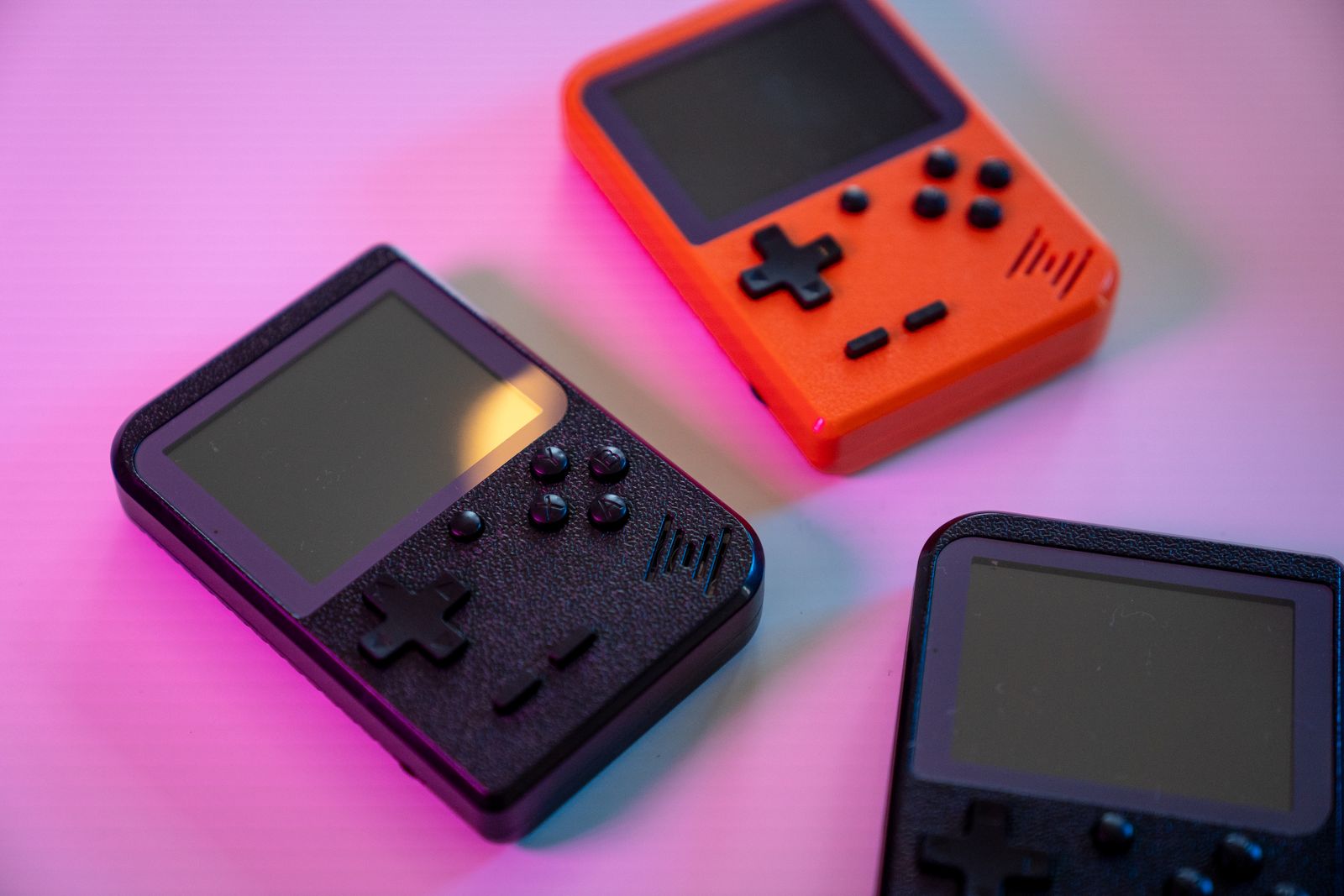
Preloaded collections often live on a microSD card, and that small component can determine whether the device feels reliable. Capacity is only one characteristic. Flash quality, controller quality, write endurance and file-system integrity affect booting, saves and long-term use.
A card can report its advertised capacity to the operating system without reliably storing data across the whole address space. Poor-quality media may also corrupt after ordinary use or arrive with a damaged file system. No number of games compensates for save files disappearing or the interface failing to boot.
The safest approach is to make a complete backup before changing anything, including hidden partitions and configuration files where possible. Keep native save files separately from the operating-system image. If the supplied card is unbranded or unreliable, replace it with storage bought from a reputable retailer and restore the configuration or rebuild it from official firmware.
Do not assume the card becomes more valuable simply because it is full. Empty space is useful for updates, save states, scraped artwork and file-system maintenance. A smaller clean collection on dependable media is a better product than a card filled to the last megabyte with duplicates.
What Proper Curation Looks Like
Curation is the work the headline count avoids. A good collection starts with verified files, matches them against a reference database and assigns consistent names. It chooses a sensible region, separates meaningful alternatives and tests the result on the actual hardware. RetroArch’s database tools, for example, can match content by checksums or serials, give playlist entries uniform names and associate metadata or artwork. That is more dependable than displaying whatever filename happened to be inside an archive.
The enthusiast shorthand 1G1R means “one game, one ROM”. It aims to keep one preferred release of each title rather than every region and revision. The idea is useful, but it is not an automatic universal rule. A British player may prefer PAL releases where they were optimised or contain familiar local content, while choosing 60 Hz versions elsewhere. A multilingual household may want more than one region. Competitive players may need a specific arcade revision.
Translations, restoration patches, hacks, prototypes and homebrew should not simply be deleted. They should be labelled and separated so the player understands what each entry represents. A respected fan translation may add real value; counting it as an unrelated commercial game merely obscures that value.
Good curation also recognises the device. A vertical arcade shooter may suit a handheld that can be turned sideways. A four-player party game is more useful on a dockable system with reliable Bluetooth controllers. A touchscreen-heavy title may be a poor fit for a television box. The best library is not the largest one—it is the one designed for the way the hardware will be used.
Verified
Known files, consistent checksums and the correct BIOS or dependency information.
Clearly Named
Readable titles with regions, revisions and translations labelled rather than hidden.
Tested
Games checked on the advertised hardware with working controls, audio and saves.
Purposeful
Systems and games chosen for the screen, controls and performance of the device.
The Questions A Buyer Should Ask
A useful product listing should let you evaluate the device without trusting the largest number in its title. Before buying, look for clear answers to these questions:
- Does the count mean unique titles or menu entries? Ask whether regions, revisions, arcade clones, hacks and multi-disc games are counted separately.
- Is there a searchable game and system list? A sample video is useful, but it does not replace a written description of what is supplied.
- Which systems are tested rather than merely listed? Look for honest limits and game-specific caveats on demanding platforms.
- What exactly is included? Separate the handheld, operating system, emulator configuration, memory card and game content.
- What is the basis for supplying the games? Licensed, public-domain and open-source content should be distinguishable from software the customer must provide.
- Who made the storage? Brand, capacity and warranty are more useful than the number of files already written to it.
- Do controls, saves and sleep mode work? These everyday details matter more than a list of theoretical emulator cores.
- Can the setup be restored? Look for official firmware, recovery instructions, update guidance and responsive support.
- What happens if the description is inaccurate? Check the seller’s location, warranty and return policy before relying on marketplace promises.
Be cautious when a listing answers none of those questions but repeats “20,000 games” across the title, photographs and packaging. Under current UK consumer-protection guidance, promotional material should not use false or deceptive information or omit material facts. A precise-looking number deserves a precise explanation.
What To Check When The Console Arrives
Do not spend the first evening browsing every letter of the alphabet. A short structured check reveals far more:
- Confirm the model, storage capacity and accessories match the listing.
- Back up the card or system image before updating, scraping artwork or moving files.
- Test a simple 8-bit game, a demanding game from each advertised later system and at least one arcade title.
- Check every control, analogue stick, trigger, hotkey, headphone socket and video output.
- Create a native in-game save, restart the device and confirm the save returns.
- Test sleep and wake, charging, Wi-Fi and Bluetooth if those functions were advertised.
- Look for repeated titles, broken artwork, numbered filenames and entries that return immediately to the menu.
- Check that the device can be restored without relying on the original card remaining healthy forever.
Run these checks while the return window is open. A device that arrives with a huge library but cannot preserve a save or recover from a damaged card has not delivered the convenient experience the number implied.
Building A Better, Legitimate Library
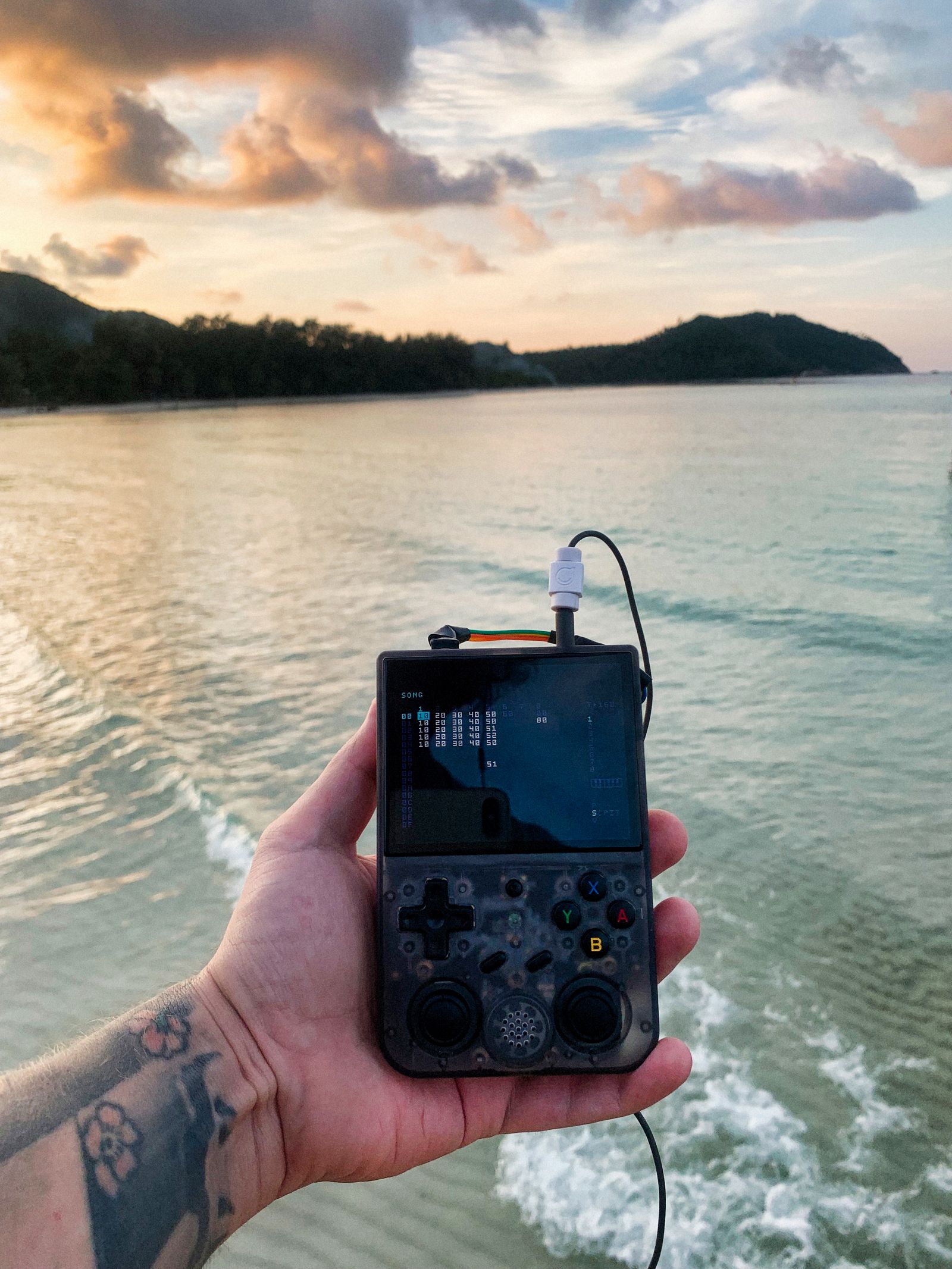
A handheld does not need an enormous grey-market bundle to be enjoyable. Public-domain and open-licensed homebrew games offer a legitimate starting point, often with direct support from their creators. Commercial retro collections and modern reissues provide licensed alternatives, sometimes with manuals, rewind, save states and regional versions already organised.
Some players create personal images from games they lawfully own, where applicable law and the software’s licence permit it. The method and permitted use vary by format, protection technology and jurisdiction, so do not treat a forum slogan as legal advice. RetroArch’s own import guide makes the important boundary clear: the software organises content but does not provide copyrighted games.
However the files are obtained, keep provenance with the collection. Record the title, region, revision and any patch applied. Retain patch files separately from the original image. Use native saves where possible, back them up and avoid tying the only copy of a long-running game to one cheap microSD card.
A smaller library can also improve how you play. When every game is present, none feels chosen. Begin with the systems and genres you care about, add titles deliberately and use favourites or collections for what you are currently playing. The goal is not to win a storage contest. It is to make a device you will actually pick up.
The Bottom Line
“10,000 games included” is not a feature until somebody explains what has been counted. It may describe a well-organised library, but it can just as easily conceal duplicates, regional variants, arcade dependencies, incompatible systems, unreliable storage and content the seller has no right to distribute.
The better comparison is not 10,000 versus 50,000. It is tested versus untested, defined versus vague, recoverable versus disposable and licensed versus unexplained. Good configuration reduces friction. Good curation makes worthwhile games easy to find. Good support helps the customer keep the device working after the original memory card is forgotten.
A trustworthy seller should be proud to describe those qualities. If the only clear fact is an implausibly large number, read it as a question—not an answer.
Sources & Further Reading
- MAME documentation: ROMs, parent and clone sets, BIOS sets and packaging types
- MAME documentation: project purpose and emulation status
- Libretro documentation: database validation, naming and metadata
- Libretro documentation: importing legally obtained content into RetroArch
- Copyright, Designs and Patents Act 1988: acts restricted by copyright
- Copyright, Designs and Patents Act 1988: necessary backup copies for lawful users
- UK government guidance: marketing and advertising law
- Competition and Markets Authority: unfair commercial practices guidance
- Pexels image licence