
NINTENDO GAMECUBE PARTS, MODS & UPGRADES
-
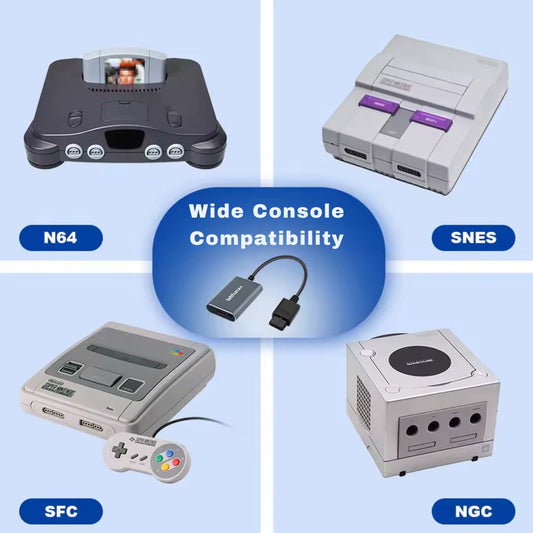
BitFunx 720p HDMI Adapter & Upscaler For SNES, Super Famicom, N64 & GameCube
Regular price £32.99Regular priceUnit price per -
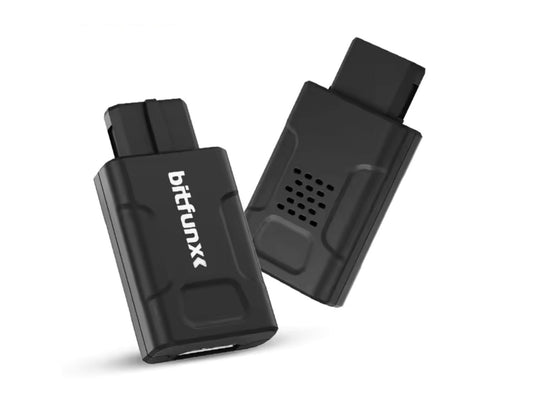
BitFunx Digital AV To HDMI Adapter - Nintendo GameCube DOL-001
Regular price £54.99Regular priceUnit price per -
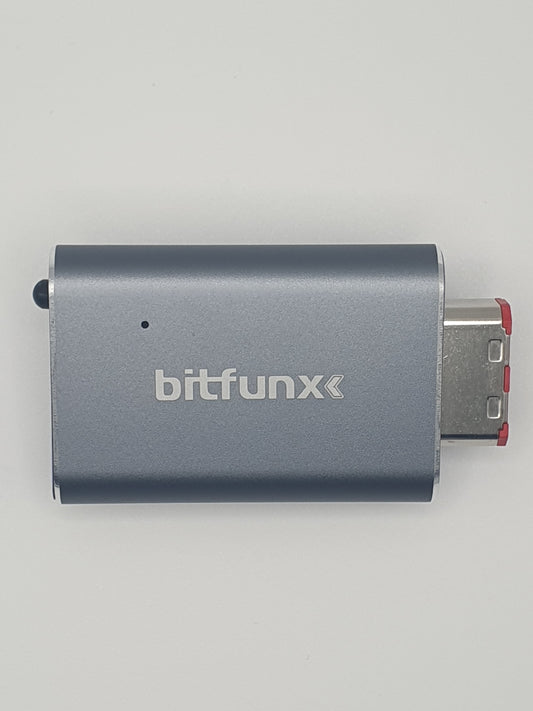
BitFunx Mini HDMI Adapter For SNES, N64 & GameCube
Regular price £29.99Regular priceUnit price per -
BitFunx OSSC V1.8 Open Source Scan Converter & Retro Gaming Upscaler
Regular price £148.99Regular priceUnit price per -
BlueRetro GameCube Bluetooth Controller Adapter
Regular price £22.99Regular priceUnit price per -
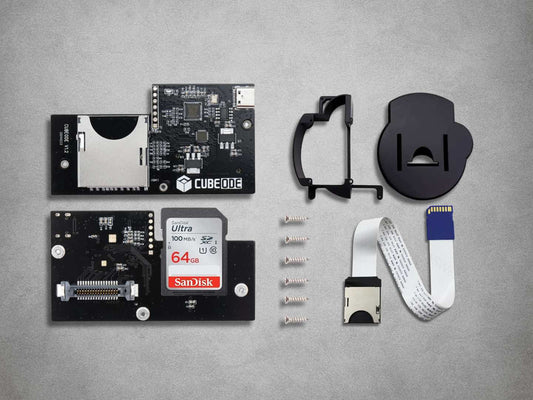
CUBEODE GameCube Optical Drive Emulator + 64GB SanDisk Ultra SD - Nintendo GameCube (DOL-101 and DOL-001)
Regular price £79.99Regular priceUnit price per -
GC2SD (SDGECKO) - SD Card Loader Mod - Nintendo GameCube / Wii
Regular price £7.99Regular priceUnit price per -
NGCPSU USBC Type C Power Supply PSU (JoungeDIY) - Nintendo Gamecube
Regular price £24.99Regular priceUnit price per -
Nintendo GameCube Premium ABS Replacement Shells
Regular price £52.99Regular priceUnit price per -
Noctua NF-A4x10 High-Performance Cooling Fan Mod Kit - Nintendo GameCube
Regular price £41.99Regular priceUnit price per -
PicoLoader v1.0 - Nintendo GameCube DOL-001 / 101
Regular price £29.99Regular priceUnit price per -
Premium RGB-Modded N64 & PAL GameCube RGB SCART Cable – Fully Shielded CVBS Sync
Regular price £34.99Regular priceUnit price per -
RetroScaler GBS-Control Pro (GBSC PRO) Upscaler/Converter - HDMI Output
Regular price £98.99Regular priceUnit price per -
RetroScaler2x AV To HDMI Converter & Line Doubler
Regular price £54.99Regular priceUnit price per












Restore, customise and upgrade your console with our range of Nintendo GameCube parts, mods and accessories. Explore HDMI adapters, optical drive emulators, SD-loading hardware, Bluetooth controller receivers, USB-C power upgrades, replacement shells and cooling fan kits for compatible DOL-001 and DOL-101 GameCube consoles.
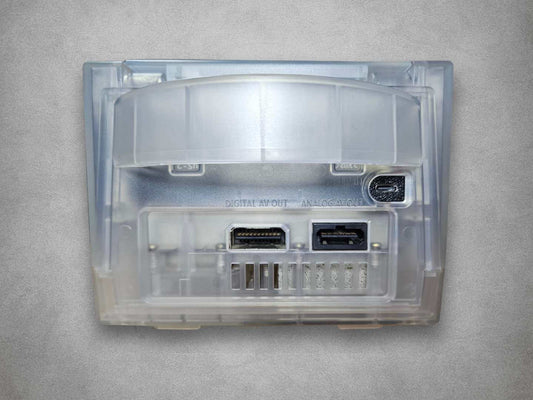
Whether you’re connecting a GameCube to a modern TV, replacing a worn component or planning a custom build, start by checking the model label underneath your console. Video connections also depend on its region and rear ports: DOL-001 consoles have a Digital AV Out port, while DOL-101 consoles use the analogue AV output.
GameCube HDMI Adapters: Digital AV and Analogue Options
For a DOL-001 console, the BitFunx GameCube Digital AV-to-HDMI Adapter connects to the Digital AV Out port and uses GCVideo to deliver digital video and audio over HDMI. It supports PAL, NTSC-U and NTSC-J DOL-001 consoles, with no internal modification or separate power supply required.
The adapter supports compatible 480p output and line-doubling options for lower-resolution and interlaced signals. Progressive-scan availability depends on the game and setup; connecting an HDMI adapter does not make every title output native 480p. This is a digital video adapter rather than a 720p, 1080p or 4K upscaler. The package includes an IR remote, support bracket and 1.5m HDMI cable.
For the analogue AV port on DOL-001 or DOL-101 consoles, the BitFunx 720p HDMI Adapter provides a fixed 720p HDMI output with selectable 4:3 or 16:9 presentation and includes a 1.5m HDMI cable.
The BitFunx Mini HDMI Adapter offers 1080p output in 4:3 mode or 720p in 16:9 mode. An HDMI cable is required separately.
These analogue adapters use S-Video where the console provides a compatible signal, with composite fallback. Their output resolution does not add detail that was absent from the original signal.
PAL GameCube RGB SCART Cables and Upscalers
For a compatible PAL GameCube, the fully shielded RGB SCART cable provides an RGB connection to suitable displays and scalers. Standard NTSC GameCube consoles do not provide native RGB through the analogue AV port. This cable uses composite video for sync; the picture itself is carried as RGB.
The BitFunx OSSC V1.8 accepts RGB SCART, component and VGA. It does not accept composite or S-Video, and its bob deinterlacing can produce visible flicker with interlaced material.
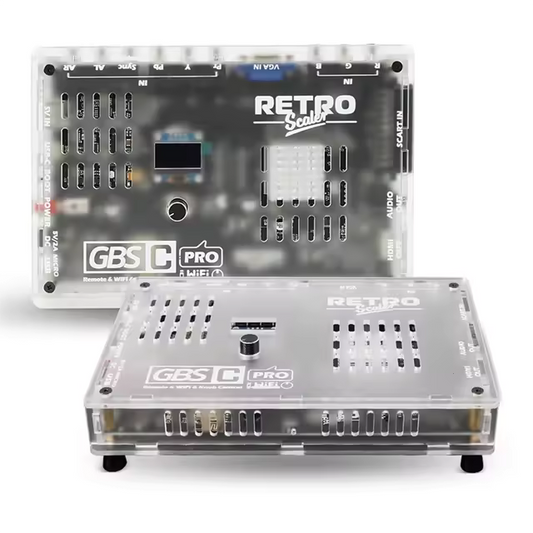
The RetroScaler GBS-Control upscaler offers several analogue input options and motion-adaptive deinterlacing for 480i and 576i signals, making it worth considering for interlaced GameCube games. It also provides a separate 3.5mm stereo audio output for connection to compatible powered speakers, an amplifier or a suitable display audio input. Check the required audio cable and input connections when planning your setup.
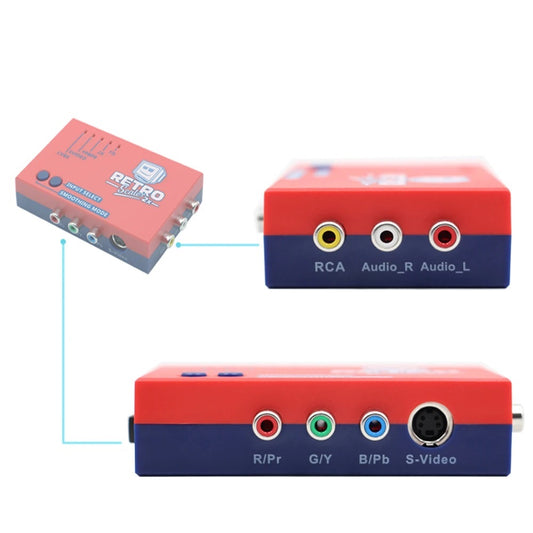
The RetroScaler 2X converts supported composite, S-Video or component signals to HDMI. It does not accept RGB SCART or 480p input.
Check each product’s supported modes and cable requirements, or explore our wider upscalers and line doublers.
CUBEODE: Replace the GameCube Optical Drive
The CUBEODE GameCube Optical Drive Emulator replaces the original optical drive in compatible DOL-001 and DOL-101 consoles, providing an SD-based route for compatible games and homebrew.
This solderless internal upgrade includes a 64GB SanDisk Ultra SD card with Swiss preconfigured. Installation requires opening the console and removing its disc drive, so it suits builds where retaining physical-disc playback is not required.
CUBEODE is an option when moving away from an ageing or unreliable optical drive. If you want to keep using your original discs, consider the PicoLoader route instead.
PicoLoader: Boot Homebrew and Retain Your Disc Drive
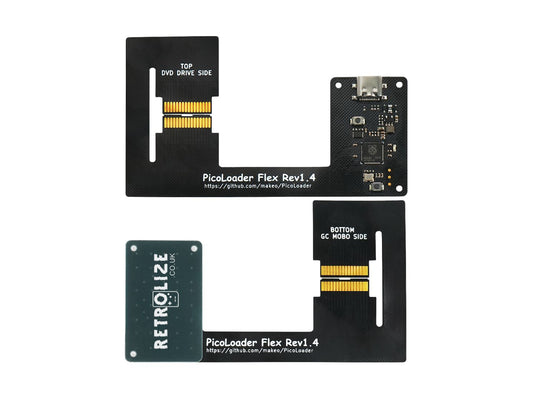
PicoLoader v1.0 is a solderless internal boot mod for DOL-001 and DOL-101 consoles. It launches homebrew while allowing the original optical drive to remain installed and usable.
The kit includes two replaceable flex cables, giving you a spare. Installation still requires opening the console and carefully following the fitting instructions.
PicoLoader is not a complete SD-storage solution by itself. For access to files on an SD card, you also need a compatible storage adapter, such as GC2SD or SDGecko, and a suitable card. SD2SP2 is another option on consoles with the required Serial Port 2 connection. Storage hardware and cards are supplied separately.
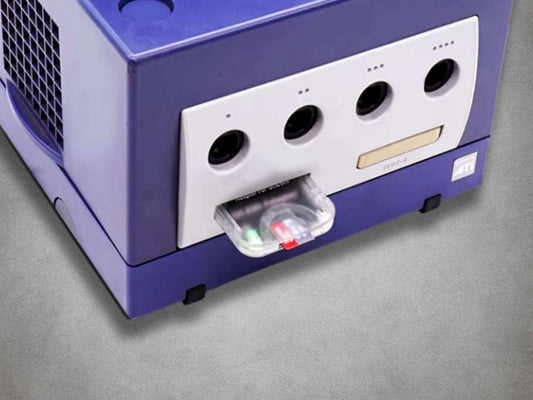
GC2SD: Add SD Storage Through a Memory Card Port
The GC2SD GameCube SD card adapter provides microSD storage access through a memory card slot for compatible software such as Swiss.
It works with DOL-001 and DOL-101 consoles, making it useful when Serial Port 2 is unavailable. Using Slot B can leave Slot A free for a conventional save-memory card.
GC2SD needs a separate method of launching compatible software and a microSD card. It does not boot software on its own and is not a conventional GameCube memory card for saving directly from unmodified games.
BlueRetro Bluetooth Controller Adapters
Use supported modern wireless controllers with the BlueRetro GameCube Bluetooth Controller Adapter. The receiver plugs into a controller port, takes power from the console and requires no internal modification.
BlueRetro supports selected PlayStation, Xbox, Nintendo Switch and other Bluetooth controllers, with configurable button mapping. GameCube analogue trigger travel and the digital final-click input can be mapped through BlueRetro’s configuration options; the available controls depend on your chosen controller. Rumble also requires compatible hardware, software and settings.
Each receiver supports one wireless controller. For multiple wireless players, use one adapter per player, up to the console’s four controller ports. Controllers are supplied separately. You can also browse our Bluetooth controller adapters for other systems.
GameCube USB-C Power with NGCPSU
The JoungeDIY NGCPSU USB-C power upgrade replaces the internal rear power-input and switch board, allowing compatible DOL-001 and DOL-101 consoles to use a suitable USB-C power supply.
Installation is solder-free but requires console disassembly. You will need a compatible USB-C power supply explicitly supporting 12V at 3A, plus a suitable USB-C-to-USB-C cable. Both are supplied separately. Check the charger’s listed output profiles rather than relying only on its total wattage.
Noctua GameCube Replacement Fan Kit
Replace an ageing or noisy fan with the Noctua NF-A4x10 GameCube cooling fan mod kit. The kit includes the fan, a mounting bracket, a GameCube connection adapter cable and screwdrivers for installation.
This is an internal hardware upgrade, so fitting requires opening the console. It provides a replacement cooling option for restoration projects and custom builds.
GameCube Replacement Shells and Custom Housings
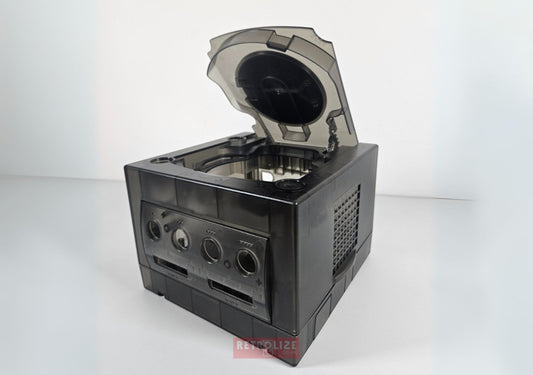
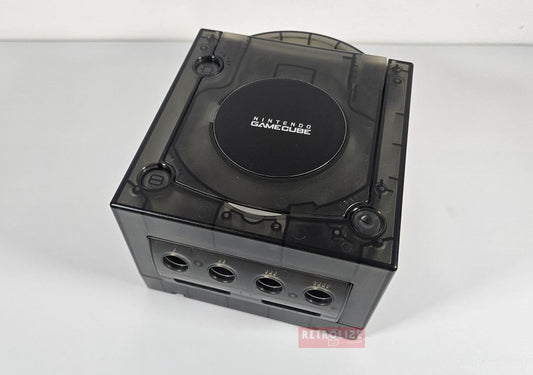
Refresh a damaged case or change your console’s appearance with our Nintendo GameCube premium ABS replacement shells. Colour options include Smokey Black, Purple and Clear; check the product page for current availability.
The shells support DOL-001 and DOL-101 consoles through model-appropriate backplates. Installation involves transferring your existing console components into the replacement housing. Changing the shell does not add Digital AV hardware to a DOL-101 console.
Explore more retro home console parts and mods, or choose the GameCube upgrades that suit your console, display and preferred way to play.
Order from Retrolize with fast UK delivery and a 12-month limited Retrolize warranty.