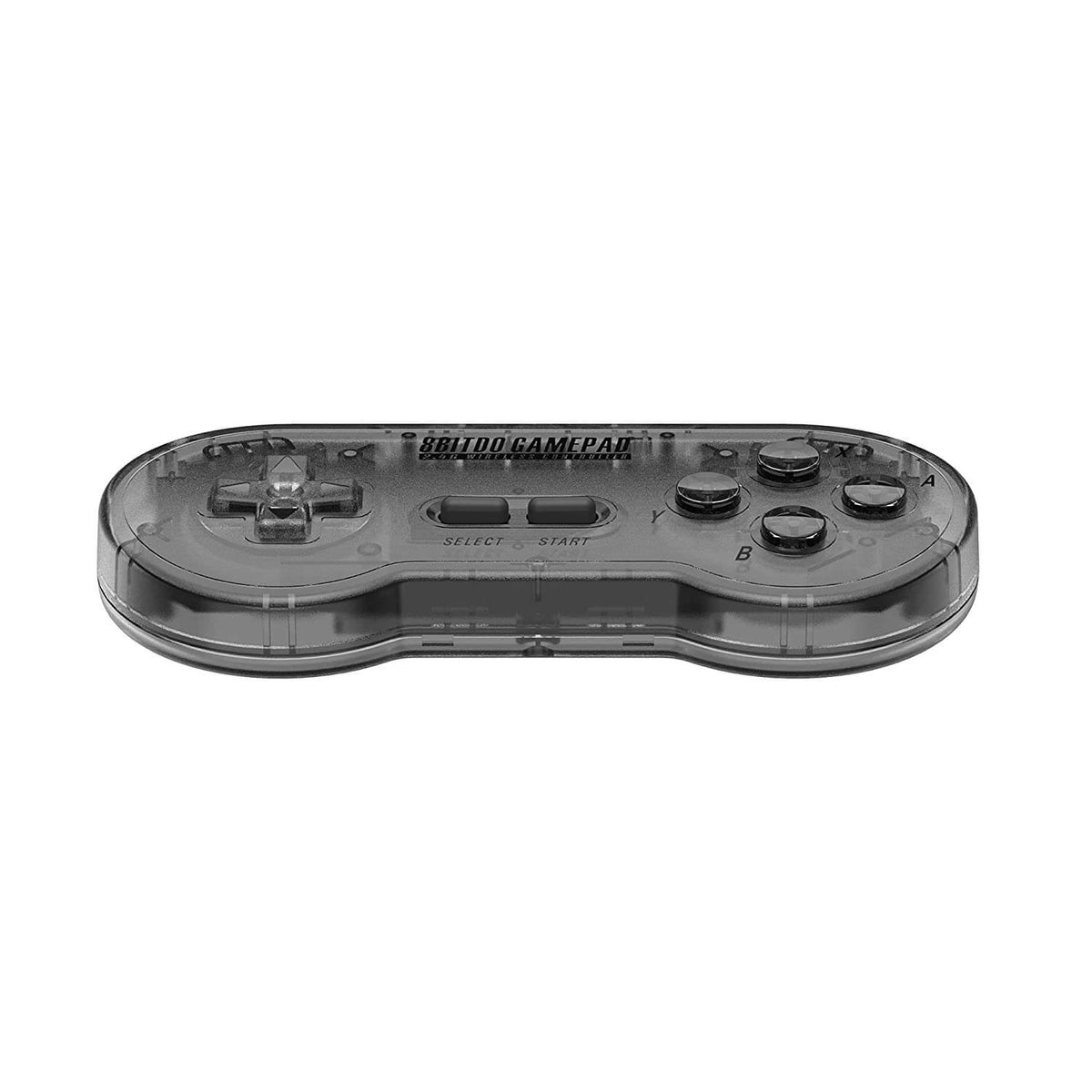
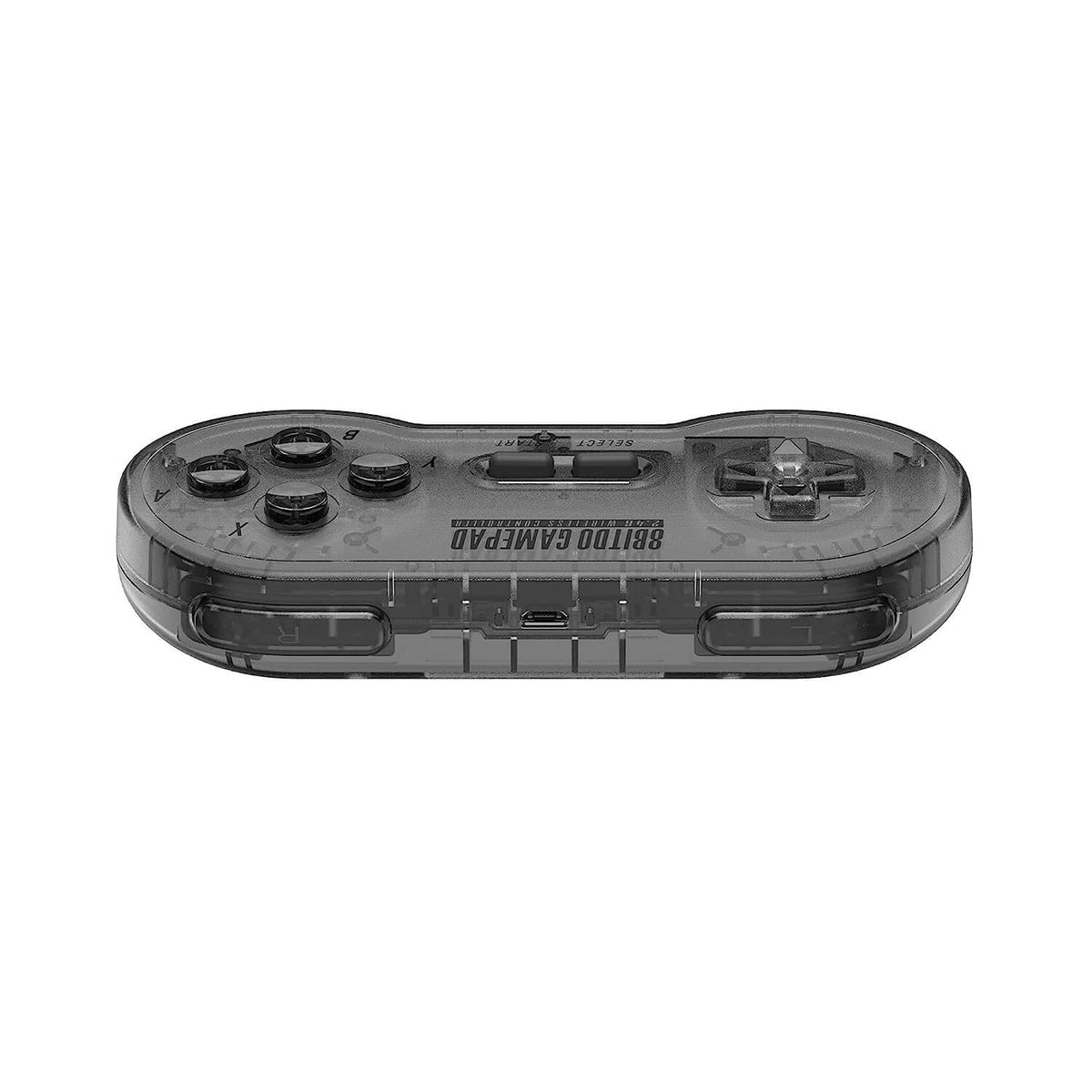
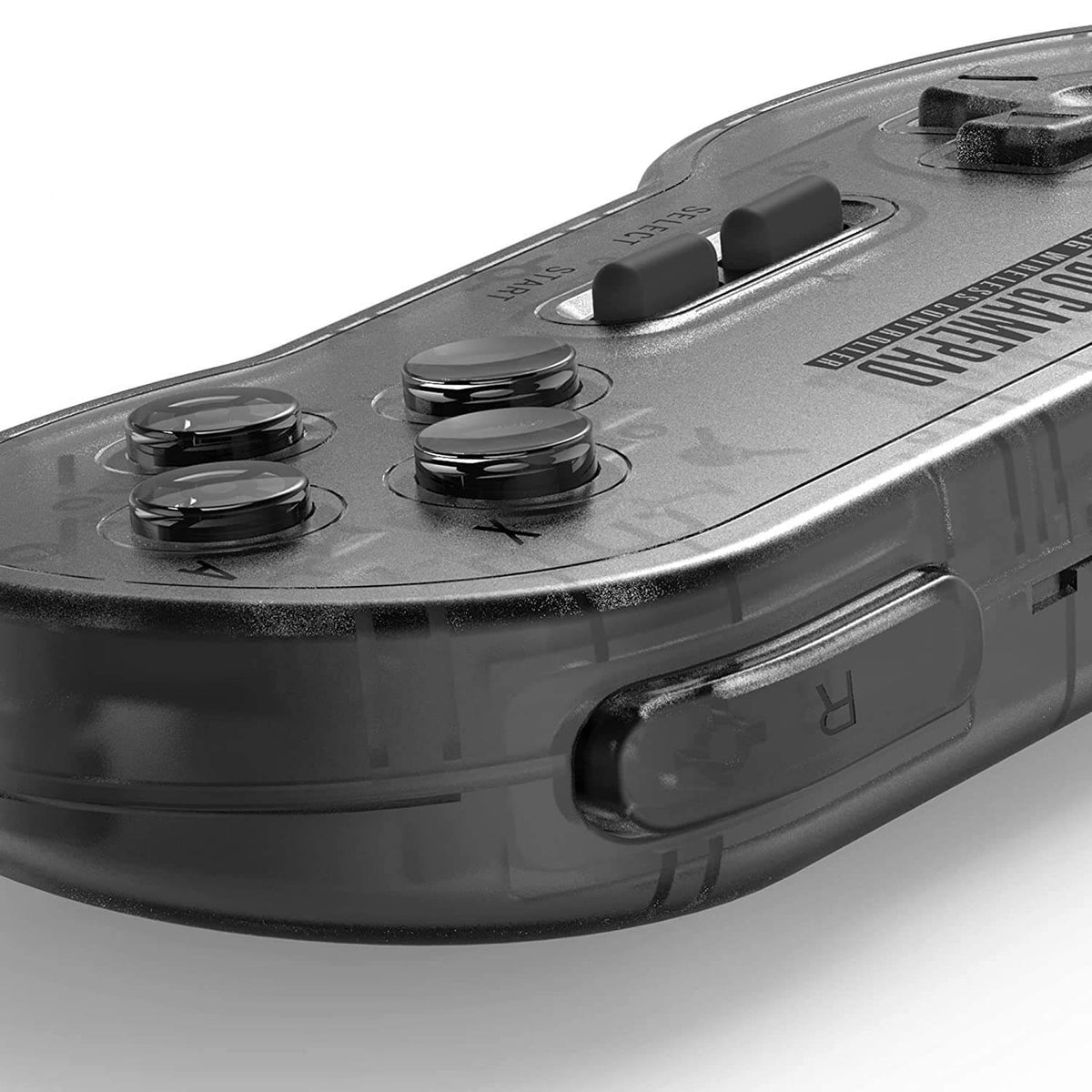
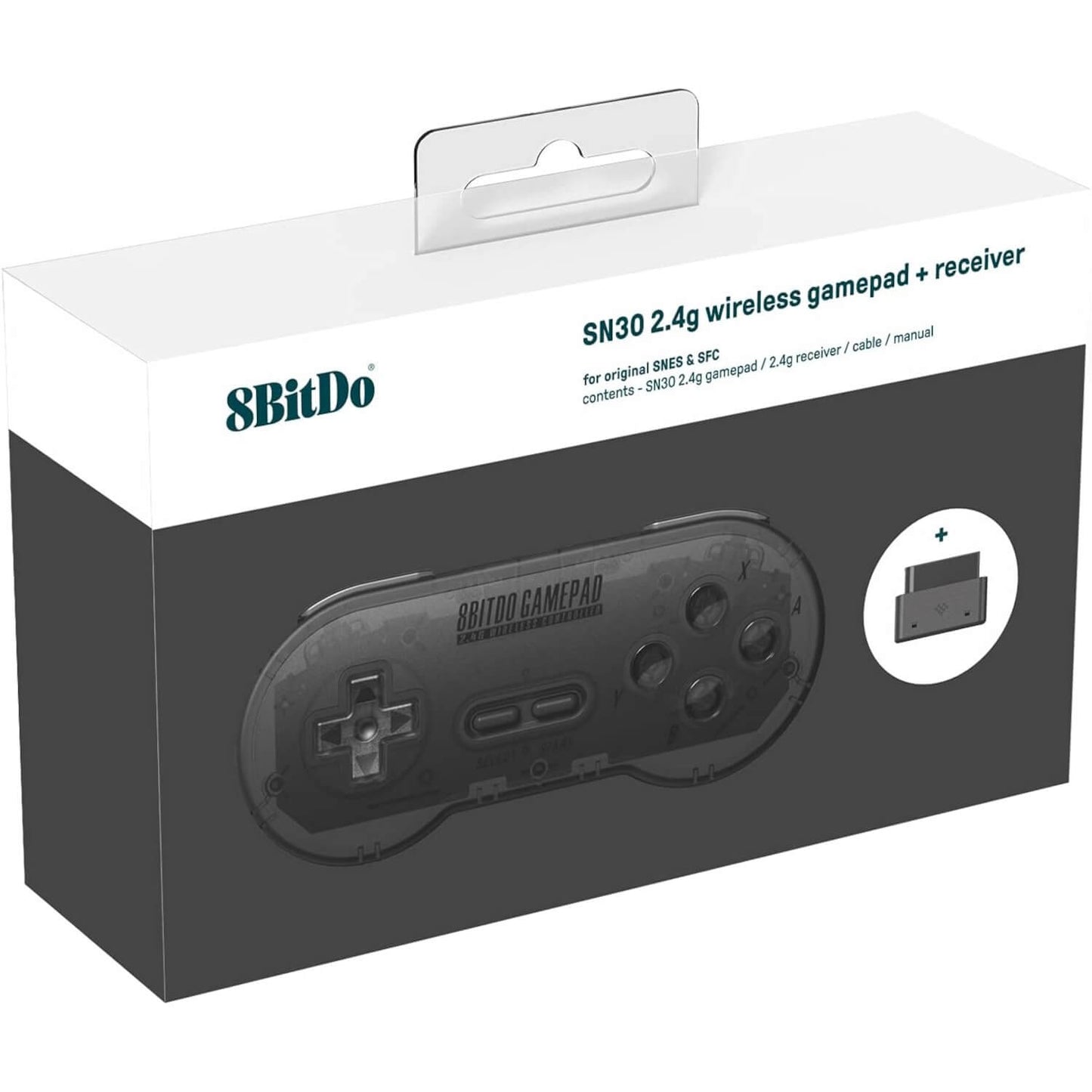
8BitDo SN30 2.4G Wireless Controller - Original SNES/SFC
🎮 Wireless Control For Original SNES & Super Famicom 🎮
📡 Dedicated 2.4G Wireless Connection With Included Receiver 📡
🕹️ Classic SNES-Style Layout & Full Button Set 🕹️
⚡ Responsive Low-Latency Wireless Gameplay ⚡
🎯 Compatible With The Analogue Super Nt 🎯
🌍 PAL, NTSC-U & NTSC-J SNES/SFC Support 🌍
🔋 Up To 18 Hours Of Rechargeable Play 🔋
đź”—Â Wired USB Support For Nintendo Switch & Windows 10Â đź”—
🛠️ Plug & Play With No Console Modification Required 🛠️
🛡️ 12-Month Retrolize Warranty 🛡️
Couldn't load pickup availability
Description
Description
The 8BitDo SN30 2.4G is a wireless SNES controller made for original Super Nintendo Entertainment System and Super Famicom hardware. Simply connect the included receiver to the console’s controller port to enjoy cable-free play through a dedicated 2.4GHz connection. There is no Bluetooth pairing, separate wireless adapter or permanent console modification required.
Its compact shape and control layout stay close to the familiar SNES design, with a traditional directional pad, four face buttons, L and R shoulder buttons, Start and Select. Whether replacing a worn original controller or creating a tidier retro gaming setup, the SN30 provides the controls needed for platformers, fighting games, RPGs and the wider 16-bit library.
This is the SN30 2.4G NT original-console version, rather than the similarly named model produced for the SNES Classic Edition and Super Famicom Mini. Wireless operation is handled exclusively by the matching receiver supplied with the controller, so it does not require or support Bluetooth adapters.
The included receiver also works with the original-style controller ports on the Analogue Super Nt. Each controller requires its own matching receiver, allowing two-player wireless gaming when two controllers and two receivers are connected to the console.
For modern systems, the SN30 can be connected by Micro-USB cable to a Nintendo Switch or Windows 10 PC. These modern-platform connections are wired rather than wireless, and the included SNES/SFC receiver is not used.
During compatible wired USB operation, the directional pad can be switched between conventional D-pad and left-analogue-stick input modes. The controller otherwise retains a straightforward SNES-style control set without physical analogue sticks, vibration or motion controls.
A built-in 180mAh rechargeable lithium-ion battery provides up to 18 hours of play from approximately one to two hours of charging. The supplied Micro-USB cable can be used for charging and supported wired gameplay.
Finished in Translucent Black, this 8BitDo SN30 wireless controller and receiver set is dispatched from UK stock with fast delivery, international tracked delivery to supported destinations and a 12-month Retrolize warranty.
Browse our complete range of wireless controllers for retro and modern systems.
Specifications
Specifications
Brand: 8BitDo
Product Name: SN30 2.4G
Product Type: 2.4G Wireless SNES/SFC Controller & Receiver
Model: SN30 2.4G NT
Manufacturer Product Code: 81AF
Wireless Technology: Dedicated 2.4GHz Connection
Wireless Receiver: Included Dedicated SN30 Receiver
Receiver Connection: Original SNES/SFC Controller Port
Receiver Power: Console Controller Port
Controllers Per Receiver: 1
Bluetooth: Not Supported
Console Modification Required: No
Wireless Compatibility: Original SNES, Super Famicom & Analogue Super Nt
Wired USB Compatibility: Nintendo Switch & Windows 10
Control Layout: D-Pad, A, B, X, Y, L, R, Start & Select
D-Pad Input Mode During Wired USB Use: Switchable Between D-Pad & Left Analogue Stick Input
Physical Analogue Sticks: Not Included
Controller Vibration: Not Supported
Motion Controls: Not Supported
Battery: Built-In 180mAh Rechargeable Lithium-Ion Battery
Battery Life: Up To 18 Hours
Charging Time: Approximately 1–2 Hours
Charging & Wired Connection: Micro-USB
Firmware Updating: Supported With Official Model-Compatible Firmware
Dimensions: 144 Ă— 63.5 Ă— 26.2mm
Controller Weight: Approximately 98g
Colour: Translucent Black
SKU: 8BD-SN30-TBLK
Supported Systems
Supported Systems
Supported Systems
Wireless Console Compatibility
PAL Super Nintendo Entertainment System Consoles: Supported With The Included Receiver
NTSC-U Super Nintendo Entertainment System Consoles: Supported With The Included Receiver
Japanese Super Famicom Consoles: Supported With The Included Receiver
Analogue Super Nt: Supported With The Included Receiver
Wired USB Compatibility
Nintendo Switch: Supported Through A Wired Micro-USB Connection
Windows 10 PCs: Supported Through A Wired Micro-USB Connection
D-Pad To Left-Analogue-Stick Input Switching: Supported During Compatible Wired USB Use
Controller Modes & Functions
Directional Pad: Supported
A, B, X & Y Buttons: Supported
L & R Shoulder Buttons: Supported
Start & Select Buttons: Supported
Dedicated 2.4G Wireless Connection: Supported With The Included Receiver
Controllers Per Receiver: One
Two-Player Wireless Use: Requires Two Controllers & Two Dedicated Receivers
Compatibility Limitations
SNES Classic Edition Consoles: Not Supported By The Included Original-Console Receiver
Super Famicom Mini Consoles: Not Supported By The Included Original-Console Receiver
Bluetooth Connections: Not Supported
Other 8BitDo Receivers & Adapters: Not Supported
Physical Analogue Sticks: Not Included
Controller Vibration: Not Supported
Motion Controls: Not Supported
Unlisted Clone Consoles & Third-Party Hardware: Compatibility Not Guaranteed
Critical Info
Critical Info
Original-Console Version: This is the SN30 2.4G NT model for original Super Nintendo Entertainment System and Super Famicom controller ports. It is not the separate SN30 model made for SNES Classic Edition or Super Famicom Mini consoles.
Dedicated Receiver Required: Wireless use requires the matching 2.4G receiver included with this controller. The SN30 does not support Bluetooth and cannot connect through other 8BitDo receivers or Bluetooth adapters.
Wireless Console Compatibility: The dedicated 2.4G receiver is intended for original SNES, Super Famicom and Analogue Super Nt controller ports. It is not a USB receiver for modern systems.
One Receiver Per Controller: Each wireless controller requires its own dedicated receiver and available console controller port. Two-player wireless gaming requires two controllers and two receivers.
Wired USB Compatibility: Nintendo Switch and Windows 10 are also supported through a wired Micro-USB connection. The original SNES/SFC receiver is not used with these systems.
Feature Limitations: This controller uses a traditional digital SNES-style layout. It does not include physical analogue sticks, controller vibration or motion controls.
Firmware Compatibility: Only install official firmware explicitly released for the SN30 2.4G NT original-console model. Incorrect, incompatible, unofficial or interrupted firmware updates may render the controller inoperable.
Console Not Included: The controller, receiver and listed accessories are supplied. Any console or other equipment shown in the product images is for demonstration only.
First-Time Wireless Connection
- Switch the SNES, Super Famicom or Analogue Super Nt off.
- Connect the included 2.4G receiver to an available controller port.
- Switch the console on.
- Press Start on the SN30 controller.
- The controller and receiver should connect automatically, with their indicator lights remaining solid once the connection is established.
- If they do not connect, briefly press the pairing button on the receiver until its blue indicator flashes rapidly.
- Hold Select on the controller for approximately three seconds until the controller indicators flash rapidly.
- Wait for the controller and receiver indicators to remain solid, then test the controls.
Wired Nintendo Switch Use
- Open System Settings on the Nintendo Switch.
- Select Controllers And Sensors.
- Enable Pro Controller Wired Communication.
- Connect the SN30 to the Nintendo Switch using the supplied Micro-USB cable.
- Press Start to switch the controller on.
Wired Windows 10 Use
- Hold X and press Start to switch the controller on in the required wired mode.
- Connect the SN30 to the Windows 10 computer using the supplied Micro-USB cable.
- Allow Windows to detect the controller.
- Test the controls through Windows or the intended controller-compatible software.
Changing The D-Pad Input During Wired USB Use
During compatible wired USB operation, hold Up and Select for approximately five seconds to switch the directional pad between D-pad and left-analogue-stick input.
Hold Down and Select for approximately five seconds to restore normal D-pad input.
This function changes how the physical directional pad is reported during compatible wired use. It does not add a physical analogue stick or change the controls available through the original SNES/SFC receiver.
Firmware Updating
Firmware and documentation are available through 8BitDo Support.
Only use firmware specifically identified for the SN30 2.4G NT original-console model. Maintain a stable USB connection throughout the update and do not disconnect or switch off the controller until the process has finished.
Package Includes
Package Includes
1 Ă— 8BitDo SN30 2.4G Wireless Controller In Translucent Black
1 Ă— Dedicated 2.4G Receiver For Original SNES/SFC Controller Ports
1 Ă— Micro-USB Cable
1 Ă— Instruction Manual
1 Ă— Retail Box
Warranty Information
This 8BitDo SN30 2.4G Wireless Controller is covered by a 12-month Retrolize warranty against manufacturing defects and hardware faults arising during normal use from the date of delivery.
The warranty does not cover accidental damage, liquid damage, misuse, damaged charging or receiver connections, unauthorised modification, normal cosmetic wear or the expected reduction in rechargeable battery capacity through normal use and ageing.
Damage, loss of function or bricking caused by installing incorrect, incompatible or unofficial firmware, interrupting a firmware update or carrying out an update incorrectly is not covered by the warranty.
Compatibility differences involving unsupported consoles, third-party receivers, Bluetooth adapters, USB equipment or unlisted operating systems are not considered product faults.
Warranty claims remain subject to the full Retrolize warranty terms and are additional to the customer’s statutory rights.
Additional Information
Does This Controller Work With An Original SNES?
Yes. The included receiver connects directly to the controller port on an original Super Nintendo Entertainment System.
Does It Work With A Super Famicom?
Yes. Original Japanese Super Famicom consoles are supported using the included receiver.
Does It Work With The SNES Classic Edition Or Super Famicom Mini?
No. This is the SN30 2.4G NT model for original SNES and Super Famicom controller ports. The SNES Classic Edition and Super Famicom Mini require a different controller and receiver version.
Does The SN30 2.4G Use Bluetooth?
No. This model uses a dedicated 2.4GHz connection with its included matching receiver. It cannot pair with Bluetooth receivers or BlueRetro adapters.
Does It Work With The Analogue Super Nt?
Yes. The included receiver can be connected to an original-style controller port on the Analogue Super Nt.
Can It Be Used With Nintendo Switch Or Windows?
Yes. Nintendo Switch and Windows 10 are supported through a wired Micro-USB connection. Wireless operation on these systems is not supported by this model.
Is The Included Receiver Used With Nintendo Switch Or Windows?
No. The included receiver connects to an original SNES/SFC-style controller port. Nintendo Switch and Windows 10 support is provided by connecting the controller directly with a Micro-USB cable.
Can Two Wireless Controllers Be Used Together?
Yes. Each player requires one SN30 controller, one matching receiver and one available console controller port.
Does It Include Rumble, Motion Controls Or Analogue Sticks?
No. The SN30 uses a traditional digital SNES-style control layout without vibration, motion controls or physical analogue sticks.
Can The D-Pad Be Mapped As An Analogue Stick?
During compatible wired USB use, the directional pad can be switched to left-analogue-stick input by holding Up and Select for approximately five seconds. Holding Down and Select restores normal D-pad input.
This function changes how the directional pad is reported and does not add a physical analogue stick.
Can It Connect To Another 8BitDo Receiver?
No. The controller is designed to work wirelessly with the dedicated 2.4G receiver supplied with it.
Does The Controller Switch Off Automatically?
The controller switches off automatically if it does not establish a wireless connection within approximately 15 minutes. It can also be switched off manually by holding Start for approximately three seconds.
Is International Delivery Available?
Yes. International tracked delivery is available to supported destinations, with delivery options calculated at checkout.
Share